What is a Roku?
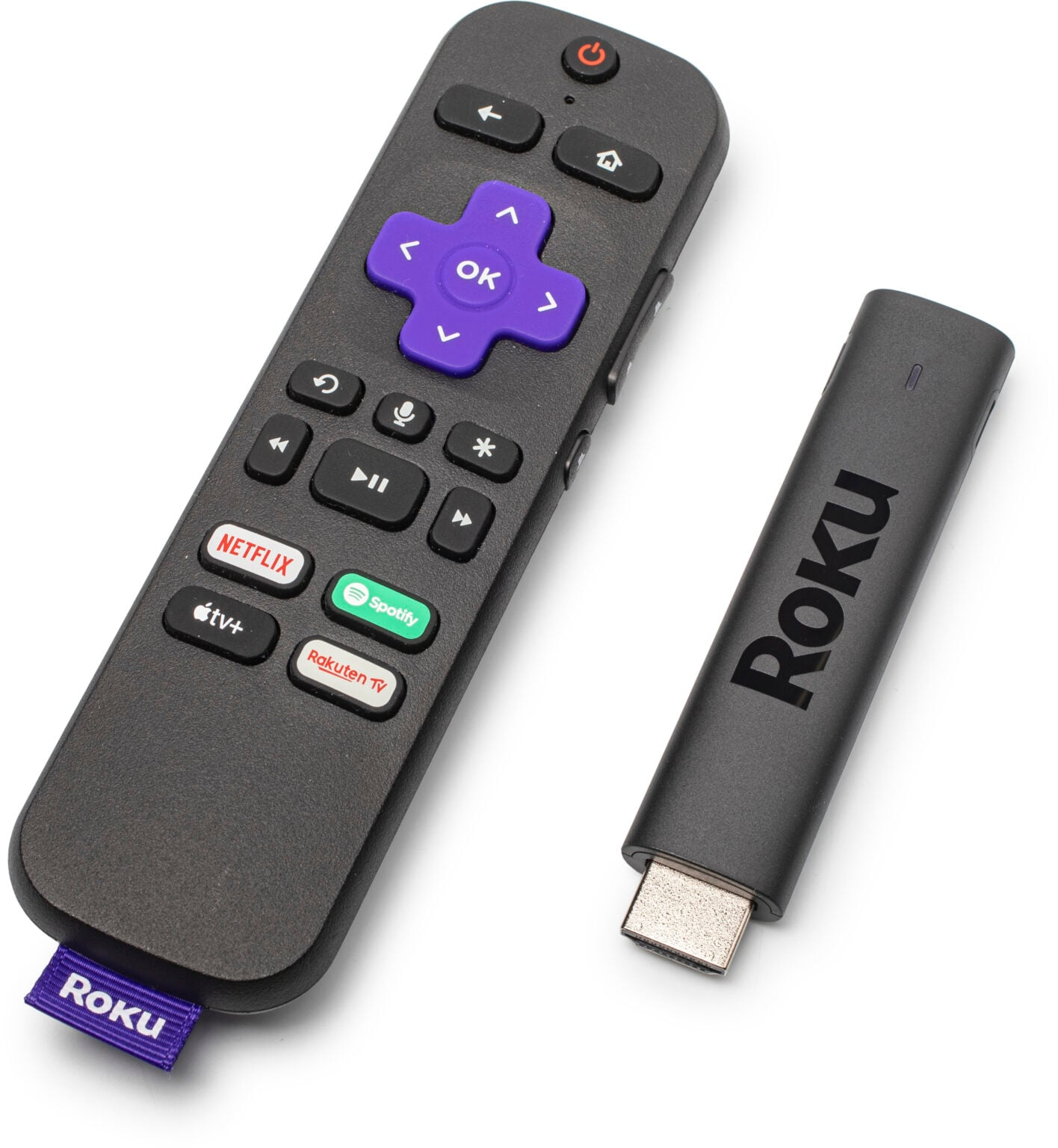
A Roku is a device that allows you to stream movies, television series, and documentaries from the internet to your HDTV.
Rokus from the Library include free access to paid streaming services like Hulu, HBO Max, Netflix, BritBox, and Apple TV.
- Available for 3-week checkout
- Woodridge Public Library cardholders only
- Must be 18 or over to check out
What you'll need
- Wi-Fi
- HDTV or monitor with an HDMI input
- Power outlet
Setting It Up
A Quick Start Guide is included with each Roku.
- Use the included HDMI cable to connect the Roku to your TV.
- Use the included USB power cable and power adapter to connect the Roku to a wall outlet.
- Place the device where you have a direct line of sight to the remote control
- Use your TV remote's Input button to select the correct HDMI input. You should see the Roku screen.
- Use the Roku remote to go to Settings > Network > Set up connection > Wireless. Choose your Wi-Fi network and enter the password.
Accessing Content
Use the Home button on the Roku remote to navigate to the Home screen and select desired streaming service. Choose something to watch and enjoy the show!